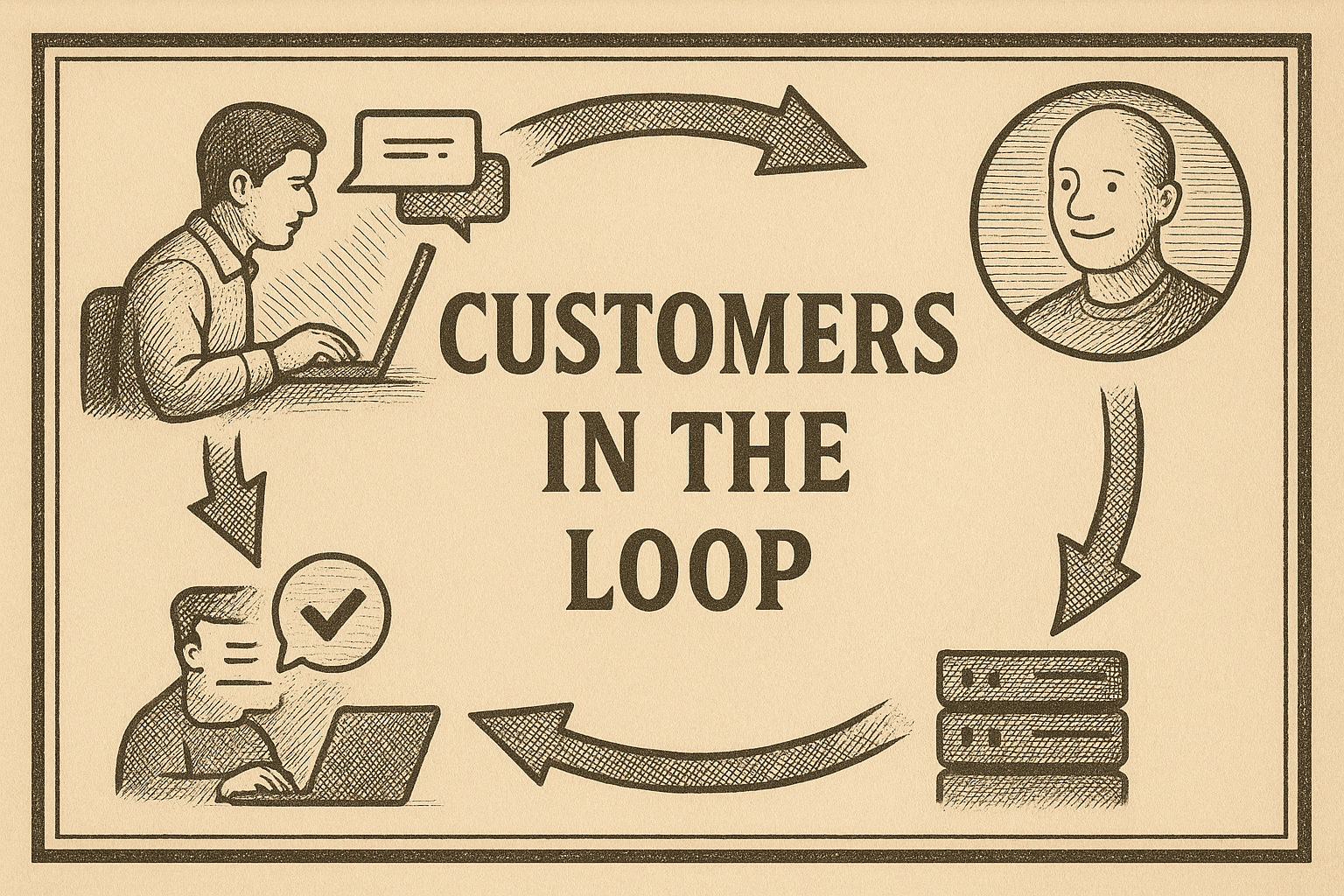
Part 5: Feedback Loops Beyond Boundaries – When Customers Are in the Loop Link to heading
Feedback Doesn’t Stop at the Org Chart Link to heading
Up to now, we’ve talked about feedback loops inside the walls of your startup: devs to PMs, QA to engineers, logs to on-call. But sometimes the most powerful loops are the ones that extend across business boundaries—when your systems proactively surface issues that even your customers haven’t noticed yet.
Here’s a real story from the trenches.
We had a major customer streaming data to us through a separate pipeline. To ensure reliability, we introduced a latency metric: measure the gap between the message’s timestamp and the wall-clock time when we processed it. Normally, this stayed flat—healthy throughput, no worries.
Here’s the pipeline latency monitoring code that made this possible:
// src/pipeline/latencyMonitor.ts
import client from "prom-client";
import { logger } from "../logger";

// Track ingestion latency per customer
const pipelineLatency = new client.Histogram({
  name: "pipeline_ingestion_latency_seconds",
  help: "Time between message timestamp and processing time",
  labelNames: ["customer_id", "pipeline"],
  buckets: [0.1, 0.5, 1, 5, 10, 30, 60, 120, 300],
});

// Track messages per customer for anomaly detection
const messageRate = new client.Counter({
  name: "pipeline_messages_total",
  help: "Total messages processed per customer",
  labelNames: ["customer_id", "pipeline"],
});

interface IncomingMessage {
  customerId: string;
  pipeline: string;
  timestamp: string; // ISO timestamp from customer's system
  payload: unknown;
}

export function processMessage(message: IncomingMessage) {
  const messageTime = new Date(message.timestamp).getTime();
  const processTime = Date.now();
  const latencySeconds = (processTime - messageTime) / 1000;

  // Record metrics
  pipelineLatency.observe(
    { customer_id: message.customerId, pipeline: message.pipeline },
    latencySeconds
  );
  messageRate.inc({ customer_id: message.customerId, pipeline: message.pipeline });

  // Log if latency exceeds threshold (potential customer issue)
  if (latencySeconds > 60) {
    logger.warn("High pipeline latency detected", {
      customerId: message.customerId,
      pipeline: message.pipeline,
      latencySeconds,
      messageTimestamp: message.timestamp,
    });
  }

  return { latencySeconds };
}
And the alerting rule that triggers proactive outreach:
# prometheus/customer-alerts.yaml
groups:
  - name: customer-pipeline-health
    rules:
      # Latency spike: p95 latency > 60s (abnormal delay)
      - alert: CustomerPipelineLatencySpike
        expr: |
          histogram_quantile(0.95,
            sum(rate(pipeline_ingestion_latency_seconds_bucket[5m])) by (le, customer_id, pipeline)
          ) > 60
        for: 5m
        labels:
          severity: warning
          team: customer-success
        annotations:
          summary: "Pipeline latency spike for customer {{ $labels.customer_id }}"
          description: "p95 latency is {{ $value | printf \"%.0f\" }}s on {{ $labels.pipeline }}"
          runbook: "Check if customer is running load tests or has infrastructure issues"

      # Traffic anomaly: 10x normal message rate (potential load test hitting prod)
      - alert: CustomerTrafficAnomaly
        expr: |
          sum(rate(pipeline_messages_total[5m])) by (customer_id)
          / sum(rate(pipeline_messages_total[1h] offset 1d)) by (customer_id)
          > 10
        for: 10m
        labels:
          severity: info
          team: customer-success
        annotations:
          summary: "Unusual traffic volume from {{ $labels.customer_id }}"
          description: "Traffic is {{ $value | printf \"%.1f\" }}x higher than yesterday"
One day, the graph went wild. Latency spiked dramatically. Instead of waiting for a support ticket, our monitoring flagged it instantly. We reached out to the customer:
“Hey, we’re seeing unusual delays in your data pipeline. Are you running a test on your side?”
They were stunned. Not only had they not noticed the issue, they were used to the opposite dynamic: they spot a problem, submit a ticket, and wait hours or days for an answer. For once, we were ahead of the curve.
The root cause? Their QA team in India had accidentally pointed a load test at production—and they didn’t even realize it. Thanks to our feedback loop, we caught it and told them before it impacted their business.
Why This Matters Link to heading
That moment shifted how the customer saw us. We weren’t just a vendor running software; we were a partner watching their back in real time. Our proactive alerting built more trust than any slide deck ever could.
The lesson: feedback loops don’t end with your team, your product, or even your infrastructure. They can—and should—span across companies. When your system tells you something’s wrong, and you use that signal to help your customers before they notice, you transform the relationship. You become a collaborator in their success.
And in the long run, those are the loops that turn software providers into trusted partners.